
Download Drum Pad Machine - Make Beats – Create Real-Time Drum Beats
Overview
Drum Pad Machine - Make Beats is a mobile-focused software application designed for creating original drum beats on Android devices. The software enables users to craft rhythmic patterns using an intuitive touch interface, making beat-making accessible to both beginners and experienced musicians. Its core purpose lies in empowering users to generate authentic-sounding drum tracks in real time, regardless of location or access to traditional instruments. The app is particularly suited for mobile music creators who value portability and spontaneity in their creative process.
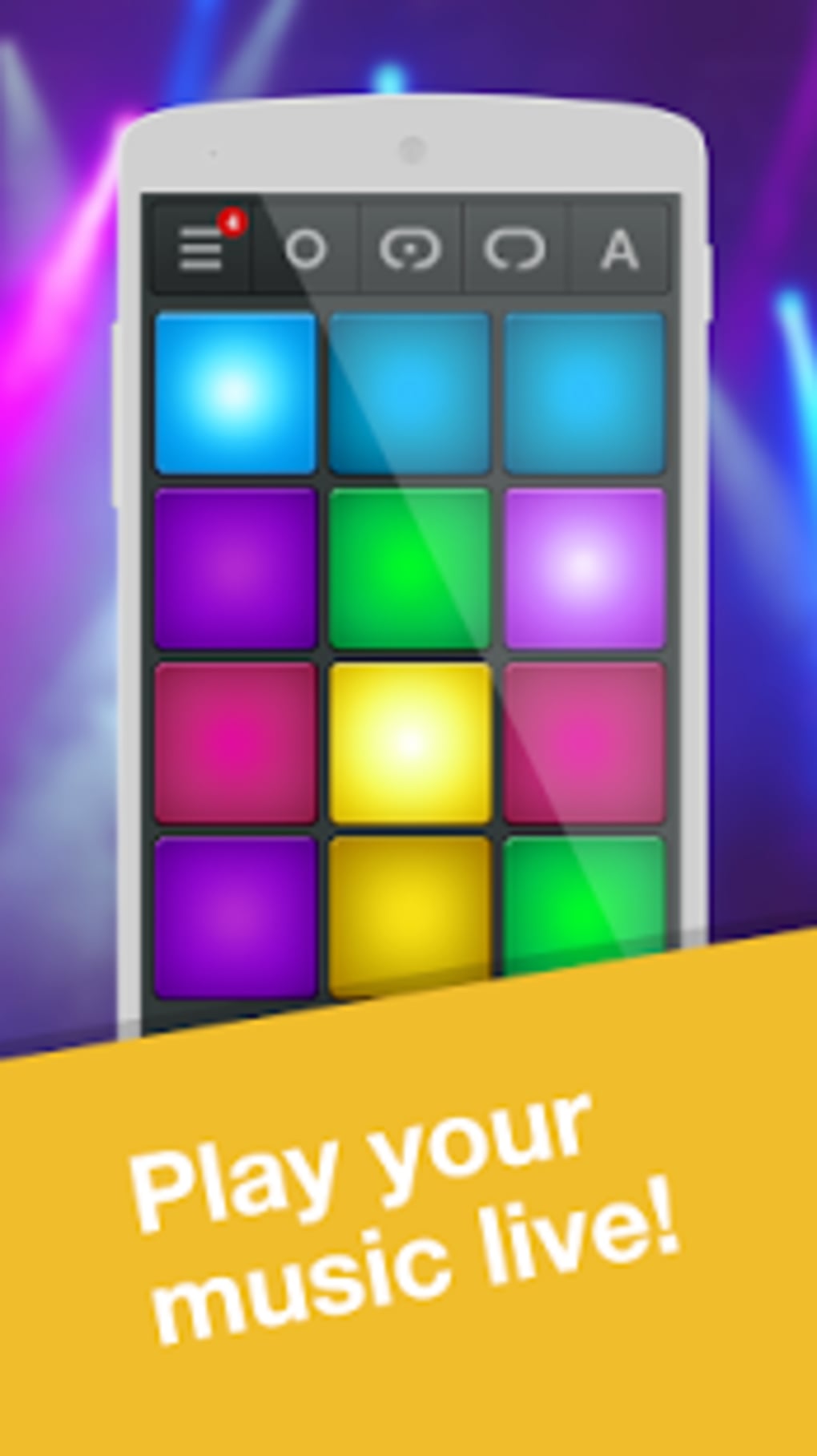
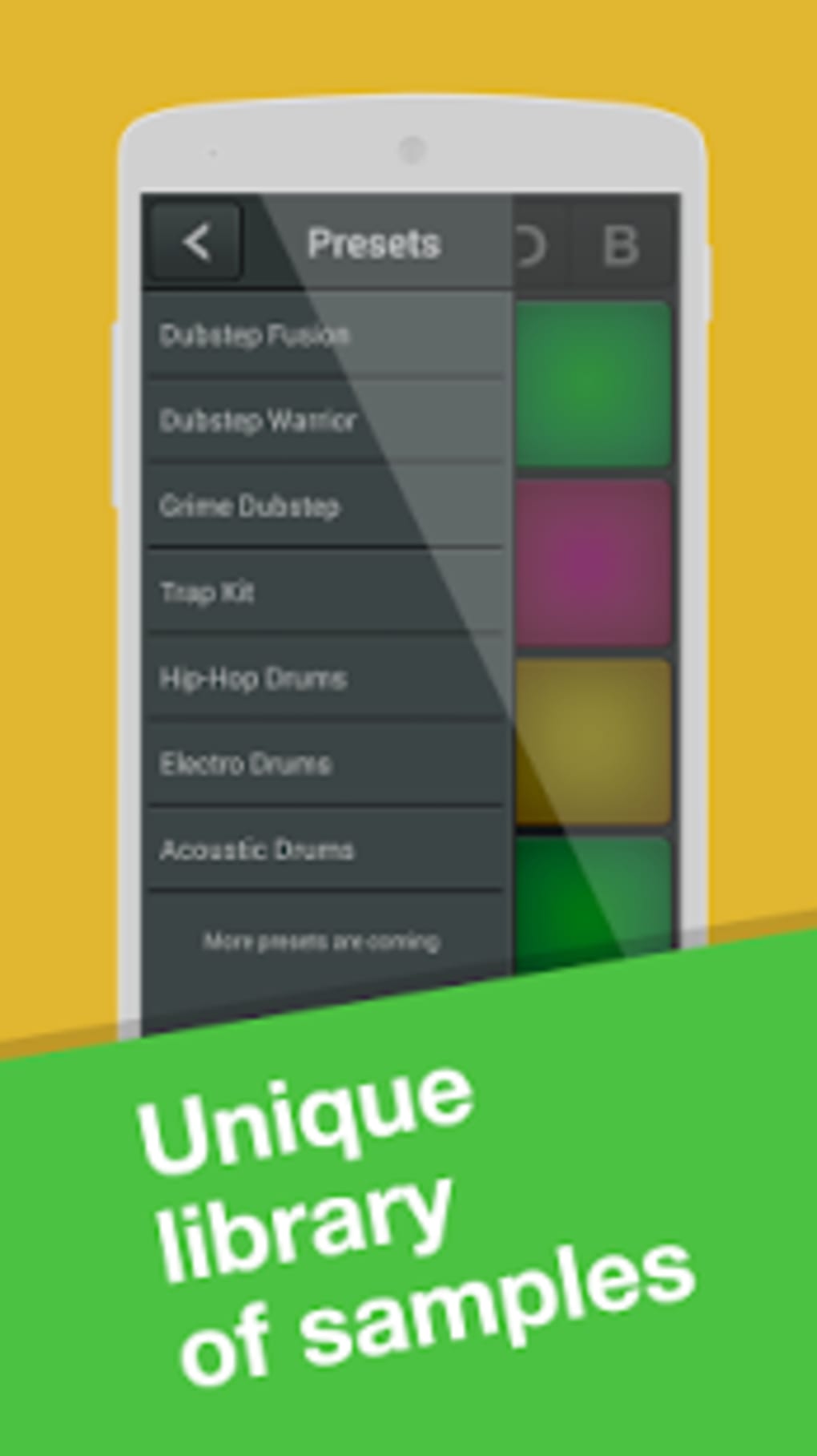
Designed with a minimalistic yet visually engaging interface, the application transforms the device screen into a dynamic drumming surface. With a dozen customizable pads, users can assign different sounds and experiment with various genres such as Hip-Hop, Trap, EDM, House, Dubstep, Drum & Bass, and Techno. The real-time recording feature allows performances to be captured and saved as audio files, supporting a range of formats for easy sharing across platforms.
While the developer did not provide additional details about their background, the app’s design suggests a focus on user experience and musical creativity. It is ideal for on-the-go music production, enabling users to record ideas instantly during inspiration moments. The software is fully free to download and use, with optional in-app purchases for additional sound packs, making it a flexible tool for diverse musical exploration.
Key Features & Capabilities
- Real-Time Beat Creation: Users can tap individual pads to produce rhythmic patterns instantly, allowing for spontaneous music creation without setup delays.
- Customizable Drum Pads: Each of the twelve pads can be reassigned to different sounds, enabling users to build personalized kits tailored to specific genres or moods.
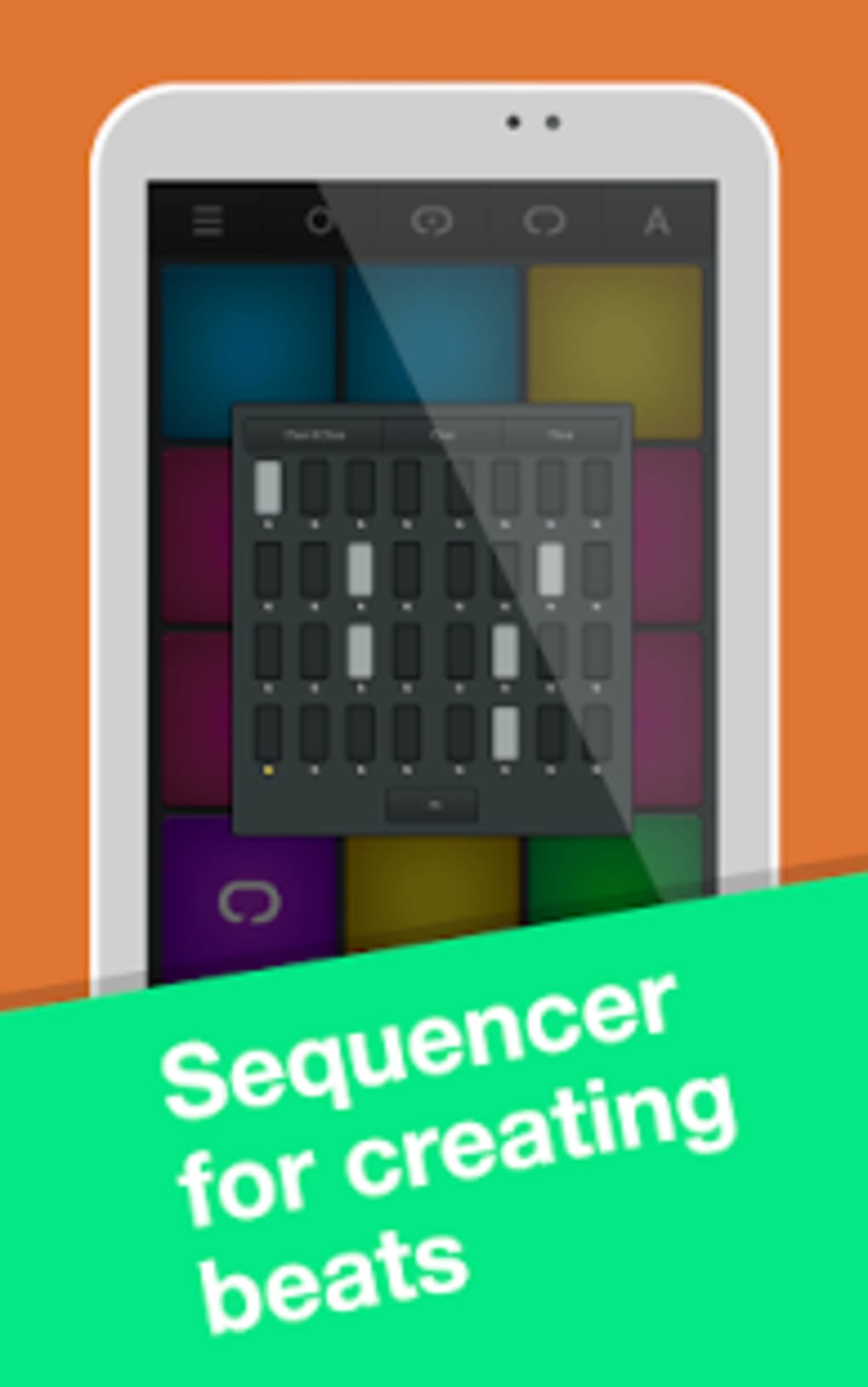
- Integrated Sequencer: The sequencer supports precise rhythm editing, allowing users to program beats with timing accuracy and adjust patterns with ease.
- Real-Time Audio Recording: Performances can be recorded live and saved directly as audio files, preserving full creative output for later use or sharing.
- High-Quality Studio Samples: Each sound is based on professional-grade samples, contributing to an authentic and polished drum tone.
- Genre Versatility: The app supports a wide range of music styles, from electronic genres like Trap and House to more rhythmic forms like Drum & Bass and Dubstep.
- Audio Export Options: Supported file formats allow for seamless integration with other music tools and social media platforms.
These features collectively support a seamless workflow for capturing and refining musical ideas. For instance, a user could tap out a rhythm during a commute, refine it using the sequencer, record the final version, and share it on social media—all within the same session. The app’s design prioritizes efficiency and creativity, minimizing technical barriers to entry while maintaining depth for more advanced users.
User Interface, Workflow & Performance
The user interface of Drum Pad Machine - Make Beats is built around a clean, modern layout that emphasizes usability and visual appeal. The screen is dominated by a grid of twelve interactive pads, each with distinct color and responsiveness. Navigation is straightforward, relying entirely on touch input with no complex menus or hidden functions, which contributes to an intuitive experience.
Workflow efficiency is enhanced by the seamless integration of tap mode, sequencer editing, and real-time recording. Users can switch between modes effortlessly, allowing for fluid transitions from spontaneous jamming to structured composition. The application’s responsiveness is consistent with typical mobile app performance, though exact performance details were not specified.
Stability appears to be maintained through regular updates, though specific information on crash rates or background behavior was not provided. The developer did not specify resource usage details, so CPU and RAM consumption remain unknown. However, based on general software behavior patterns, the app is expected to operate smoothly on modern Android devices with standard processing capabilities.
Compatibility & System Requirements
Drum Pad Machine - Make Beats is designed exclusively for the Android operating system. The software is compatible with Android devices, including smartphones and tablets, though specific version numbers or hardware requirements were not listed. Installation size information is also not available.
Exact system requirements were not listed, and compatibility details are limited to the operating system. Users are advised to ensure their device meets general Android performance standards for smooth operation. The developer did not provide information on minimum RAM, processor speed, or storage needs.
Pros and Cons
Pros
- Free to download and use with no cost barrier to entry.
- Intuitive touch interface ideal for beginners and casual users.
- Real-time recording and export capabilities for immediate sharing.
- High-quality, authentic drum samples enhance sound realism.
- Supports multiple music genres and customizable sound kits.
- Minimalistic design with strong visual appeal and usability.
Cons
- Optional in-app purchases required for additional sound packs.
- Limited to Android platform; no support for iOS or desktop systems.
- Exact system requirements and performance metrics were not disclosed.
- No information on offline functionality or cloud sync features.
FAQ Section
Is Drum Pad Machine - Make Beats available for iOS devices?
The software is currently designed for Android operating systems only. There is no official version available for iOS platforms.
Can I use the app offline?
While the developer did not specify offline functionality, the app’s core features such as beat creation and recording are likely available without an internet connection, as they rely on local processing.
Are there any in-app purchases?
Yes, the app is free to download and use, but additional sound packs are available through in-app purchases to expand the library of available drum samples.
What file formats does the app support for audio export?
The app supports a range of audio formats for exporting recordings, though the specific formats were not listed in the provided information.
How often are updates released?
Regular updates are expected to maintain functionality and compatibility, but the exact update frequency was not specified by the developer.
Final Thoughts
Drum Pad Machine - Make Beats delivers a streamlined, engaging experience for mobile music creators seeking a portable beat-making solution. Its intuitive interface, real-time recording, and genre-flexible design make it a compelling choice for musicians who value creativity on the go. While platform limitations and the absence of detailed system information are notable drawbacks, the app’s free access and high-quality sound output significantly outweigh these concerns.
It stands out as a reliable tool for both novices exploring music production and seasoned creators capturing spontaneous ideas. With its focus on simplicity and sonic authenticity, Drum Pad Machine - Make Beats proves that powerful music creation is no longer confined to studios or expensive equipment.
Download Drum Pad Machine - Make Beats now






.png)
